
3 EASY STEPS TO GET YOUR GRAPHIC!
Take a look at these screenshots for a quick overview.
Take a look at these screenshots for a quick overview.
STEP 1: Finding your reading.
Filters in the Graphics Library make searching easy.
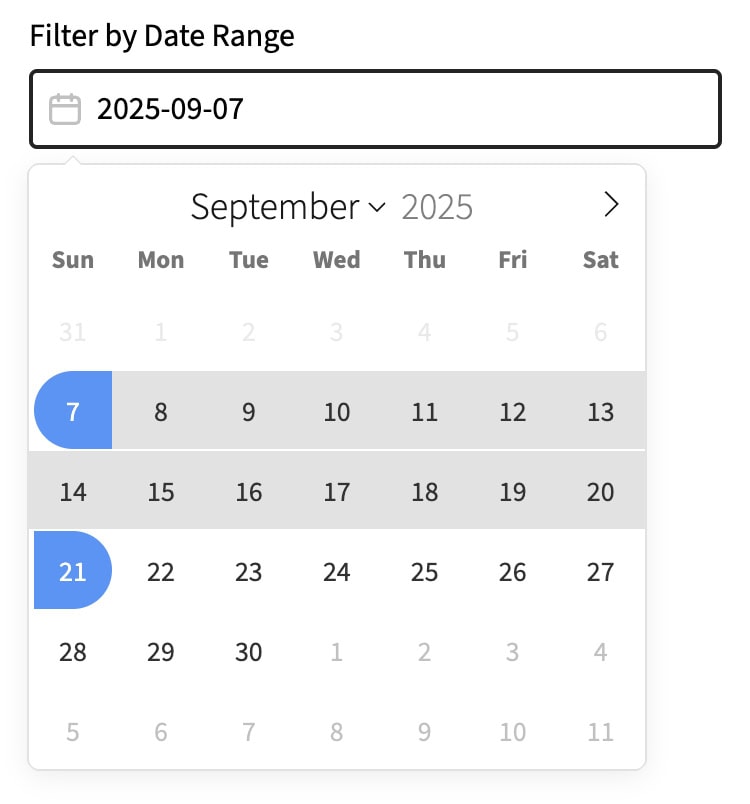
Sample date filter
You can double-click on a date or select a range of dates, to see what's available for seasons such as Advent or Holy Week.
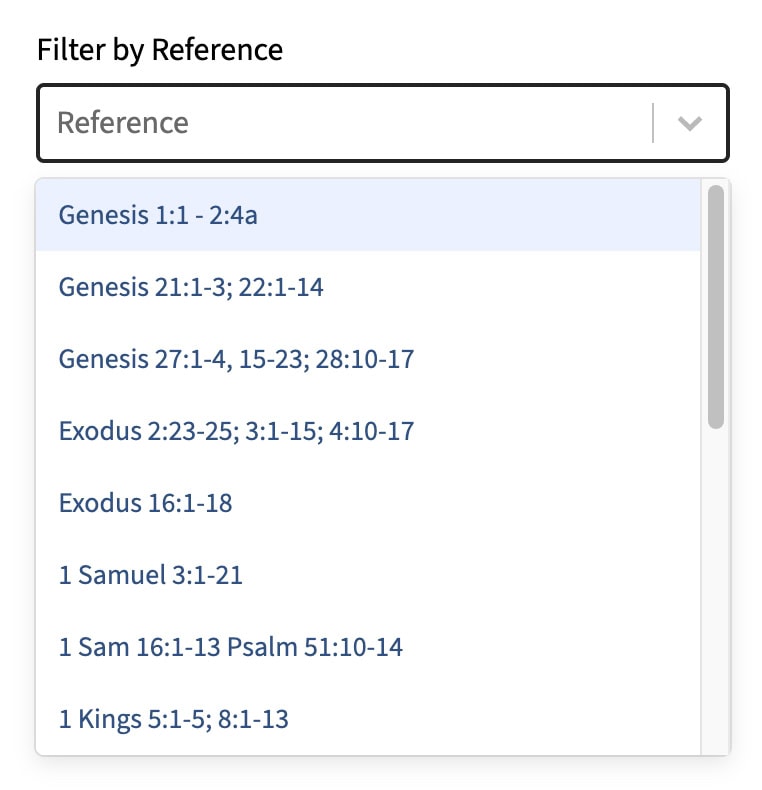
Sample reference filter
The dropdown list includes all the Narrative Lectionary references for the season, listed in chronological order.
STEP 2: Choosing your graphic.
Each reading has 3 graphics, with sermon ideas.
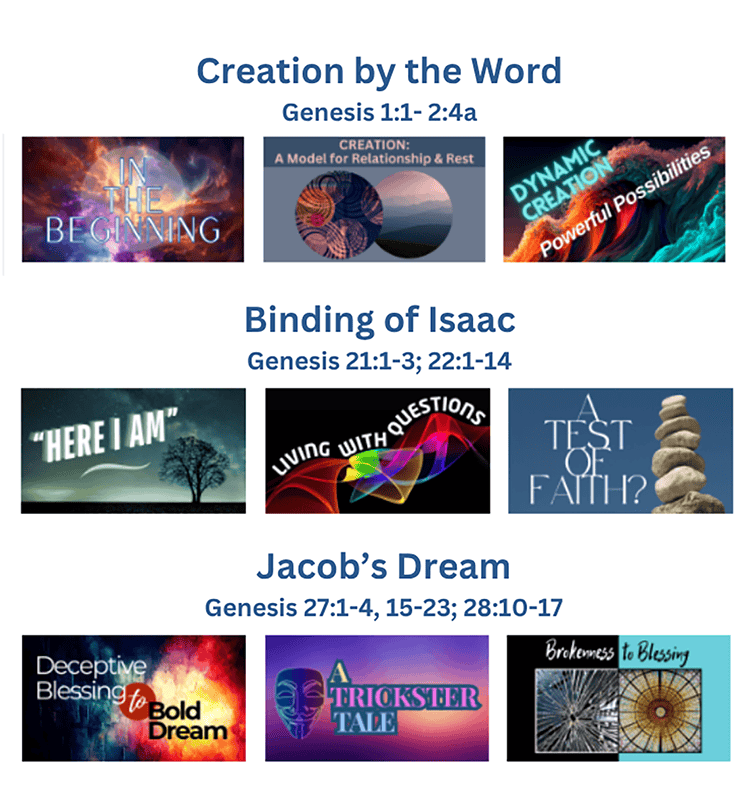
Sample graphic choices
Each of the 3 graphics for a reading focuses on a different aspect of the text. Clicking on the images will take you to more in-depth information.
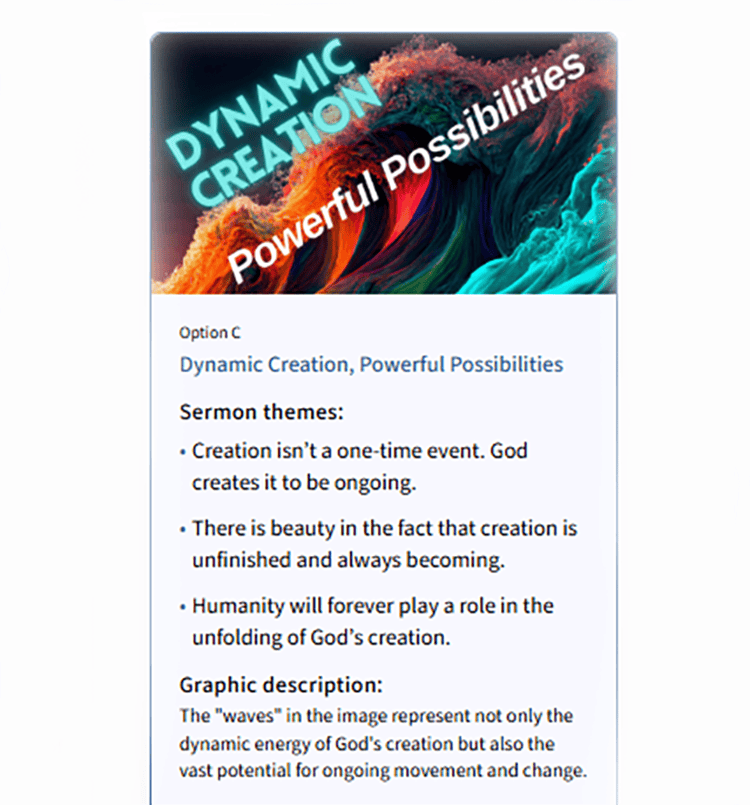
Sample sermon themes
The detail info for each graphic includes ideas for sermon themes and graphic descriptions to connect everything together.
STEP 3: Downloading the sizes you need.
Subscribers get unlimited downloads.
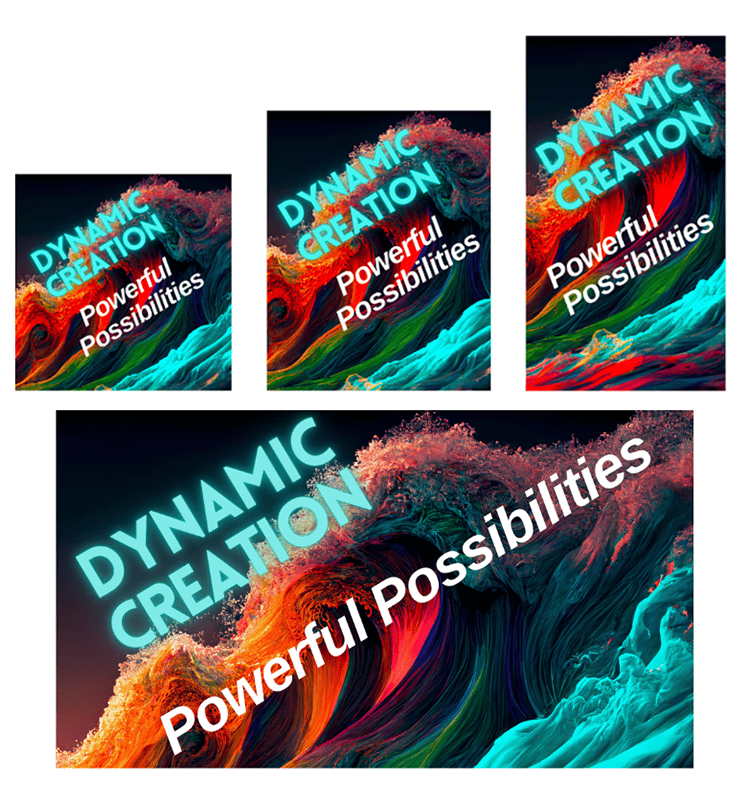
Sample ready-made sizes
Each graphic comes in multiple shapes and sizes—square, vertical, and horizontal—in the correct sizes for your media needs.
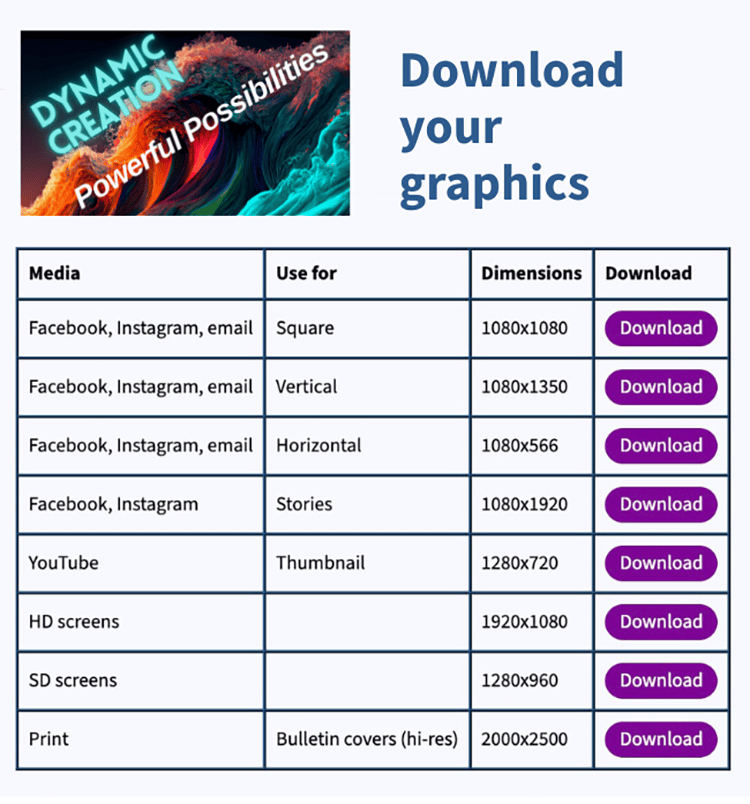
Sample download chart
A download chart for each graphic makes it easy to grab what you need—for social media, emails, websites, screens, and print bulletins.